User info!
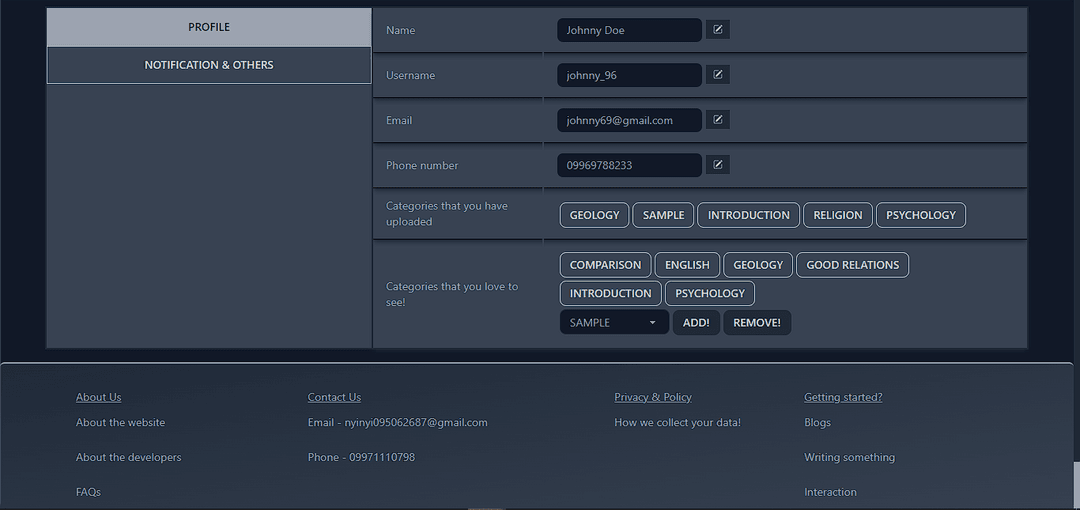
Name , username , email( gmail ) , phone number can be edited from Setting > Profilepage.( The setting page is accessible via side menu ).
You can see the example here:
Creating posts!
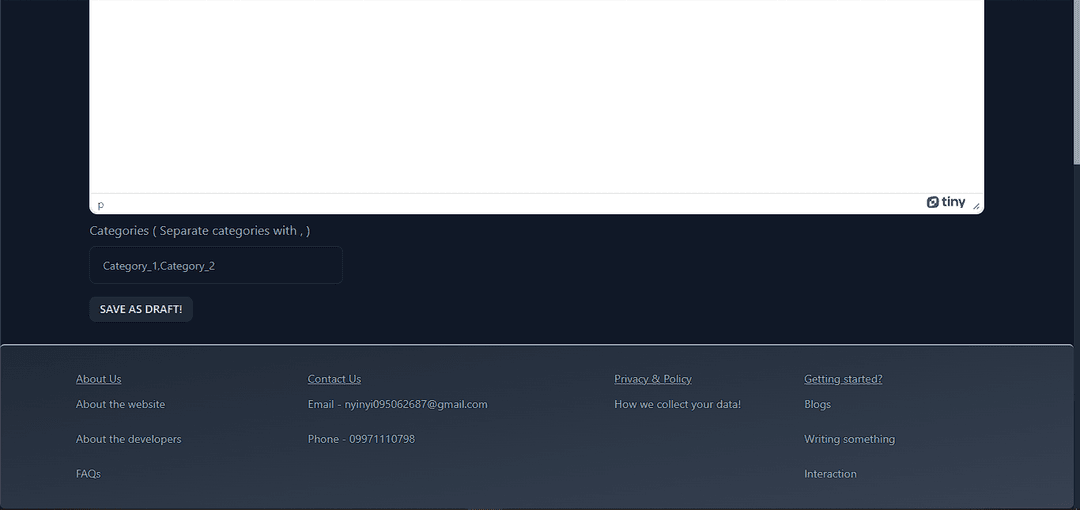
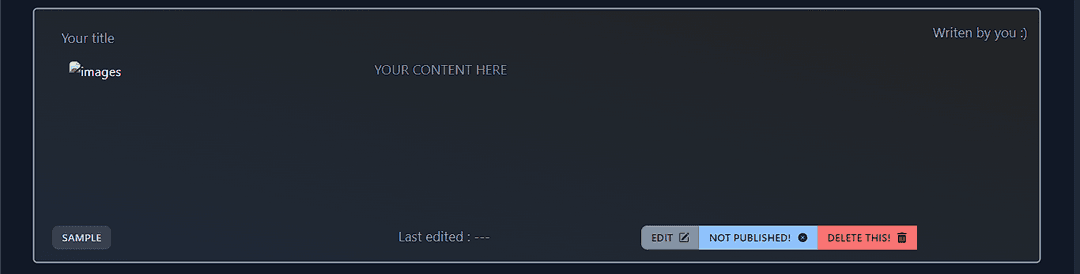
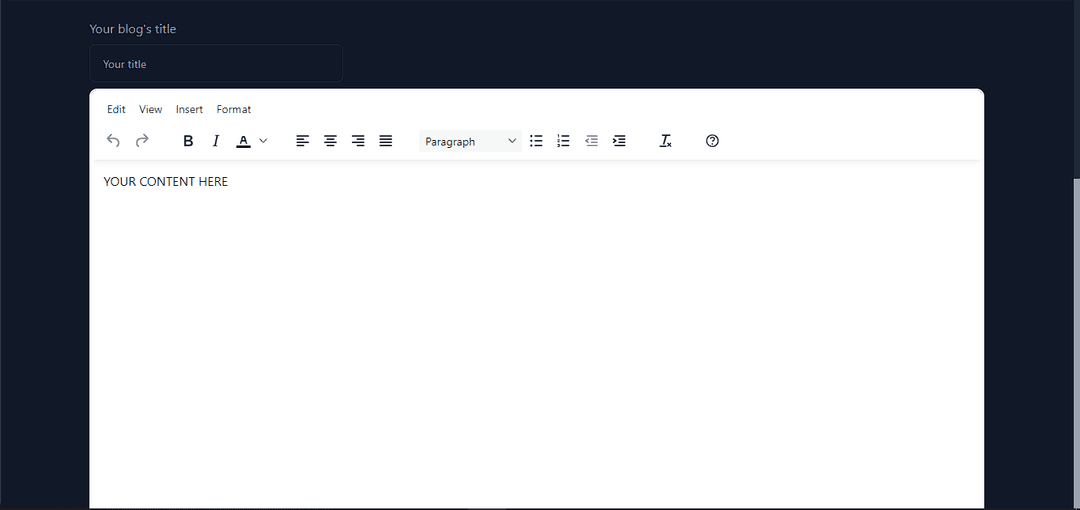
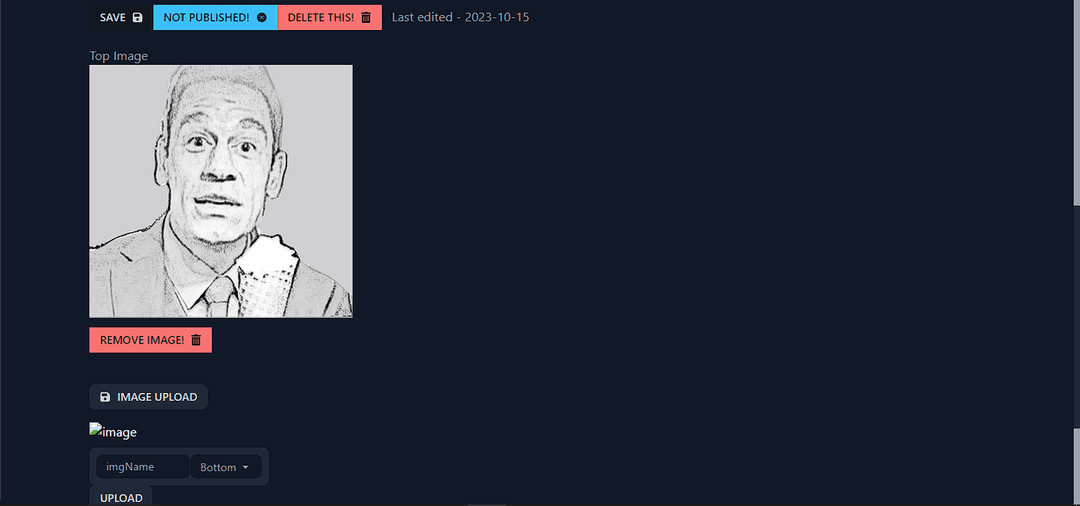
Each user can create blog by clicking on + sign in the navigation bar! First of all, you will have to fill in the title, content and categories (Make sure to follow rules when filling categories)!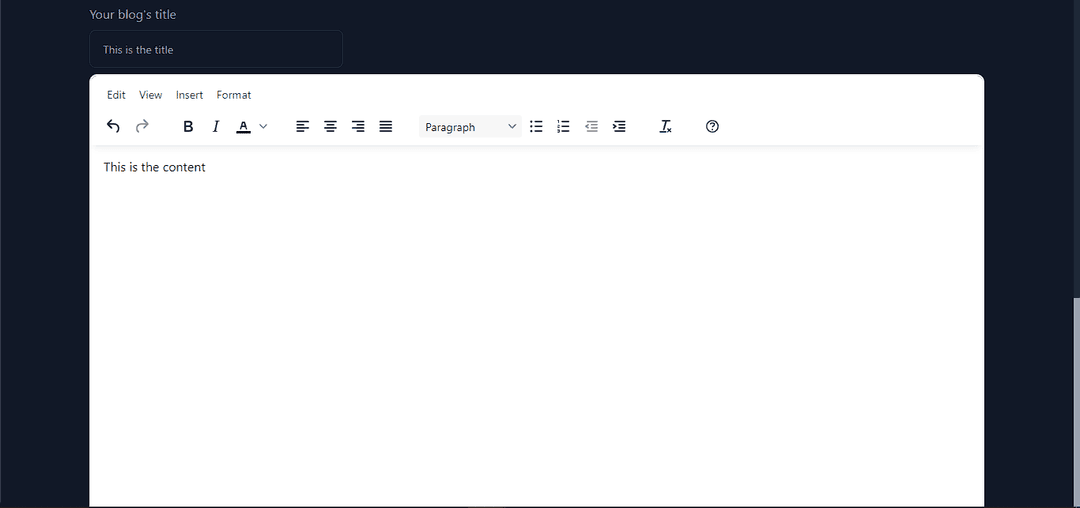
Blogs!
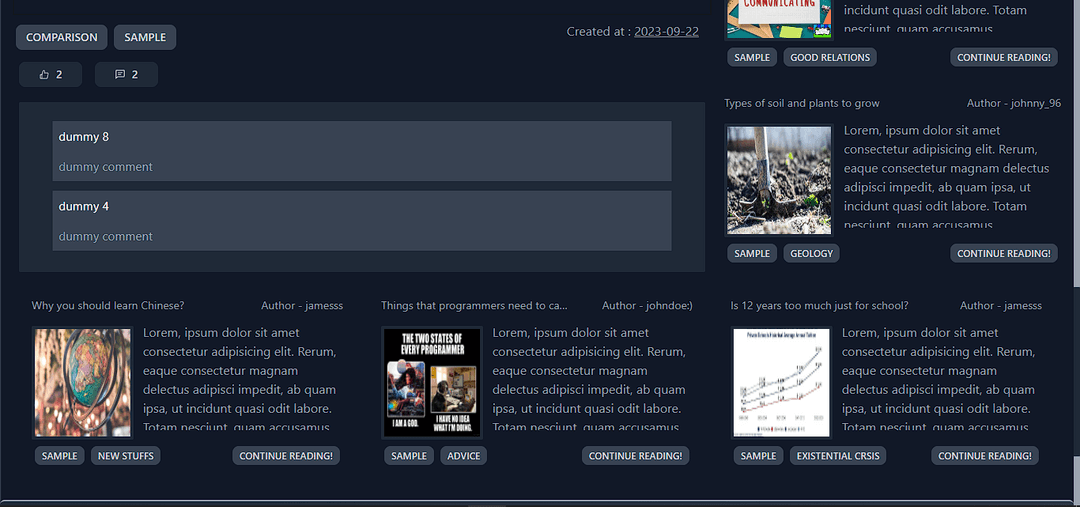
You can see the blogs in your home page! If the blogs are too low, it might be that you are not putting enough category that you want to watch!Interaction with blogs
You can see like and comment button in all of the blogs. You need to enter specific blogs/blog_1231413 page to give likes and comments. The one in the main pages are just to show how many of the likes and comments the posts have received.